Accessibility Questionnaire App
4 years ago
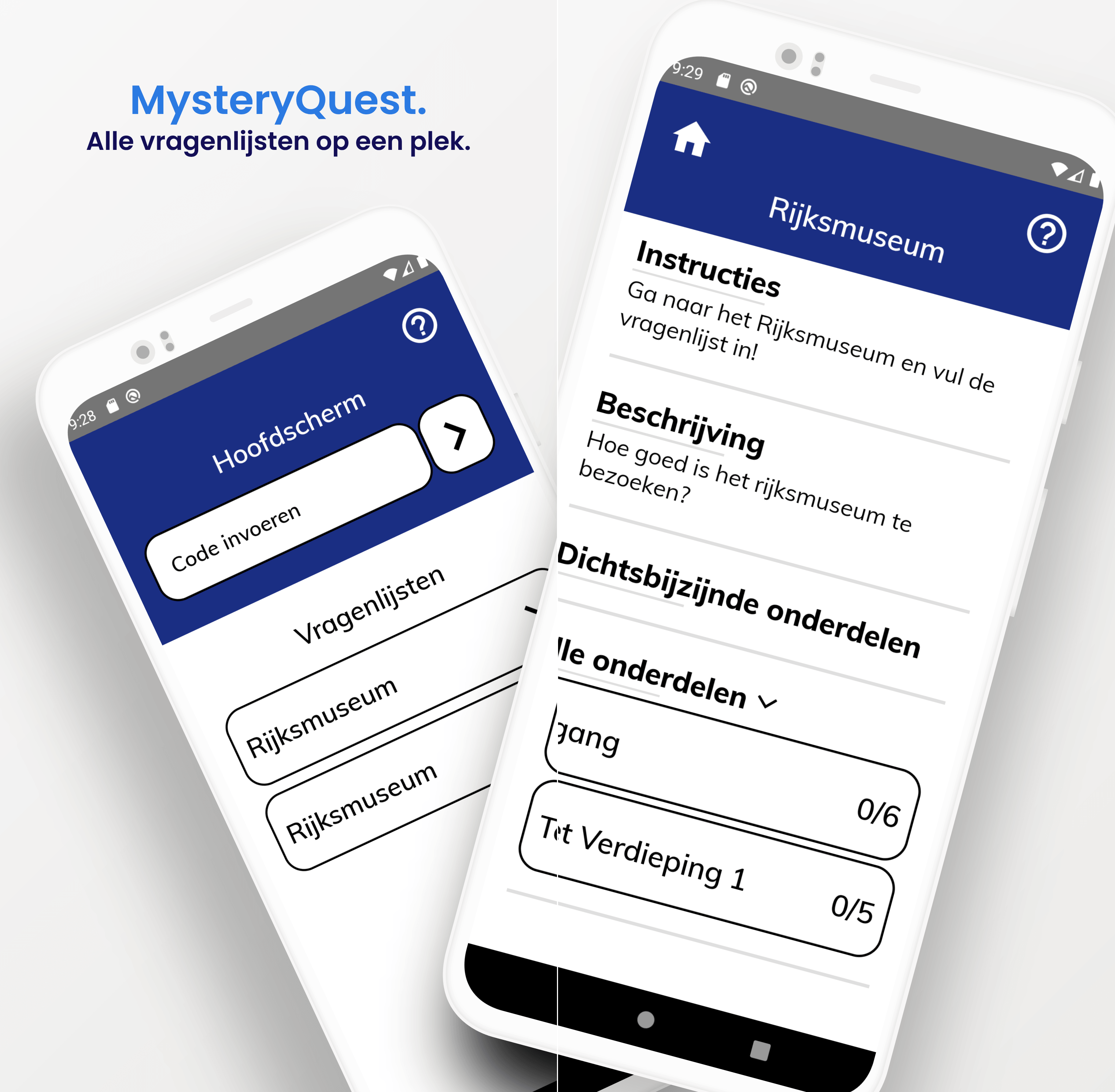
During my third year of college, my classmates and I worked on a school project for a real organization. Our task was to create an app for people with visual impairments to fill out questionnaires about buildings they visited. This project was done for Accessibility, an organization based in the Netherlands. Additionally, we were required to develop a web portal to manage all the questionnaires. The exciting part of this project was that it was open-source, and the codebase is still available here.
Our app had several key features that made it easy to use for people with visual impairments:
1. Geofencing for Building Zones
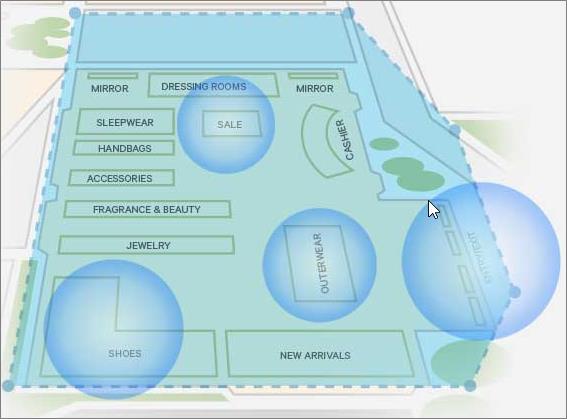
We implemented geofencing, which could be configured for different sections of a questionnaire through the web portal. When a user entered a specific zone, the relevant sections of the questionnaire would automatically appear on their screen.
2. Support for Various Question Types
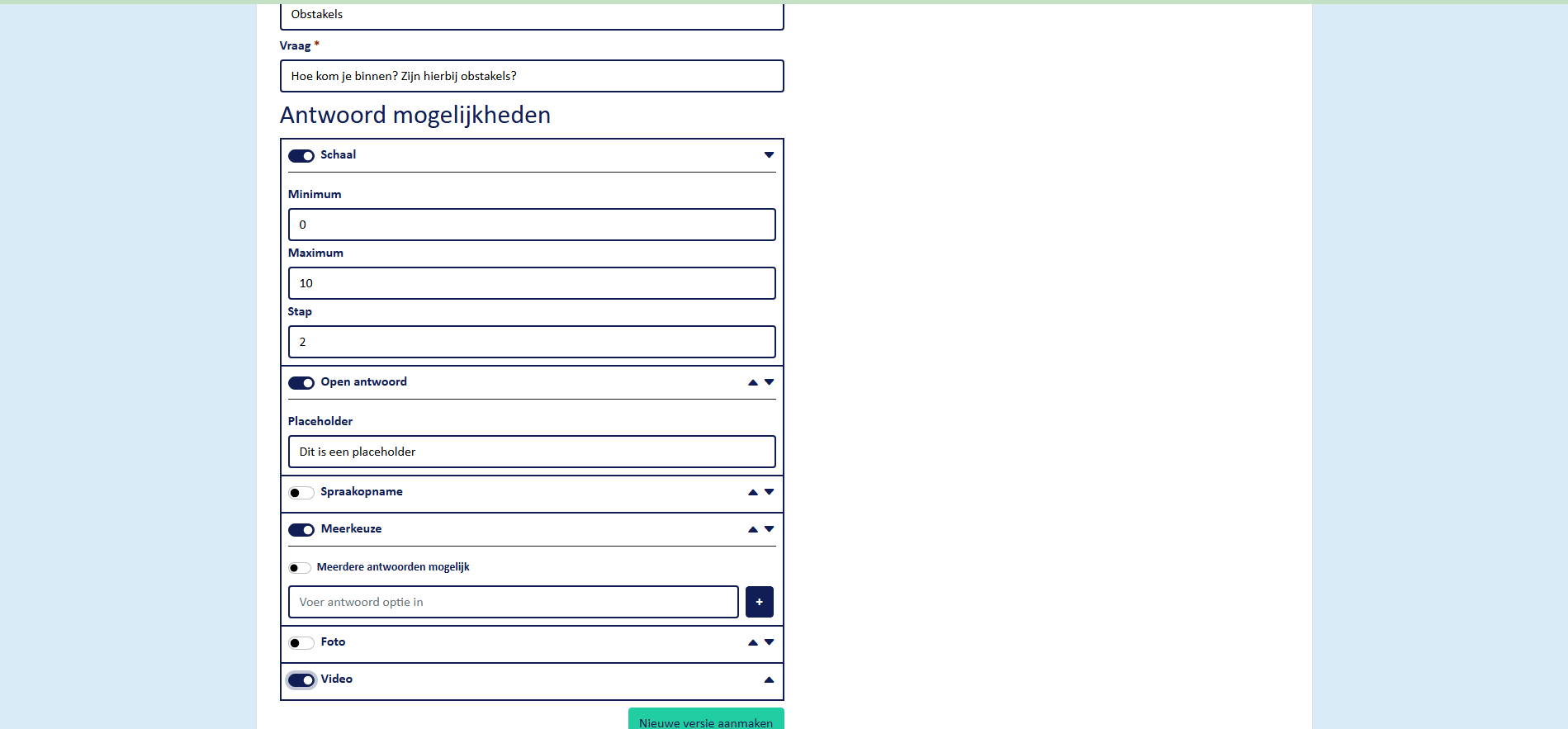
The app supported a range of question formats, which could all be defined via the web portal. These included open-ended questions, image-based questions, video and audio responses, multiple-choice questions, and range sliders. This made the app highly versatile and adaptive to different needs.
3. WCAG Compliance
Both the app and the web portal were WCAG (Web Content Accessibility Guidelines) approved. This ensured that users with visual impairments or color blindness could easily navigate the app and portal using a screen reader.
This project taught me a lot about accessibility and app development, as it was my first time working with React Native. Additionally, I gained valuable experience in client communication and learned how to maintain structure and organization in a project-oriented approach.
Overall, I am really proud of how the web portal and app turned out. It was a rewarding experience to work on something that could have a meaningful impact instead of just projects for school that will never be used again.
Demo: